Selling on Ovdix: where to start
Five steps from the first photo to the sale.
1. Post a listing

Tap “Post ad” and choose what you’re selling.
2. Add photos — AI fills in the rest
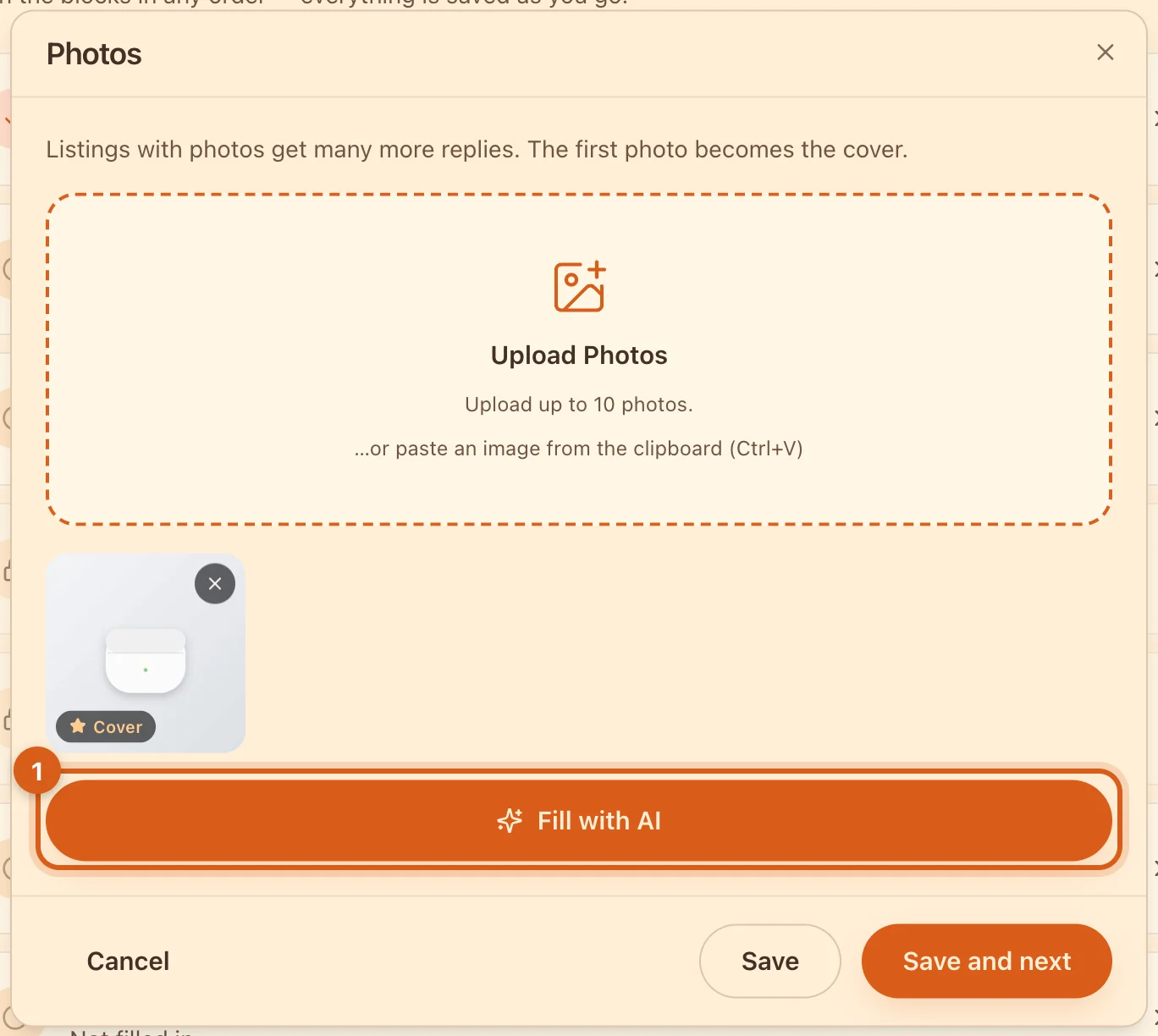
Upload photos and tap “Fill with AI”: AI will suggest the title, category and description. Check them, set the price — done.
3. Link Telegram
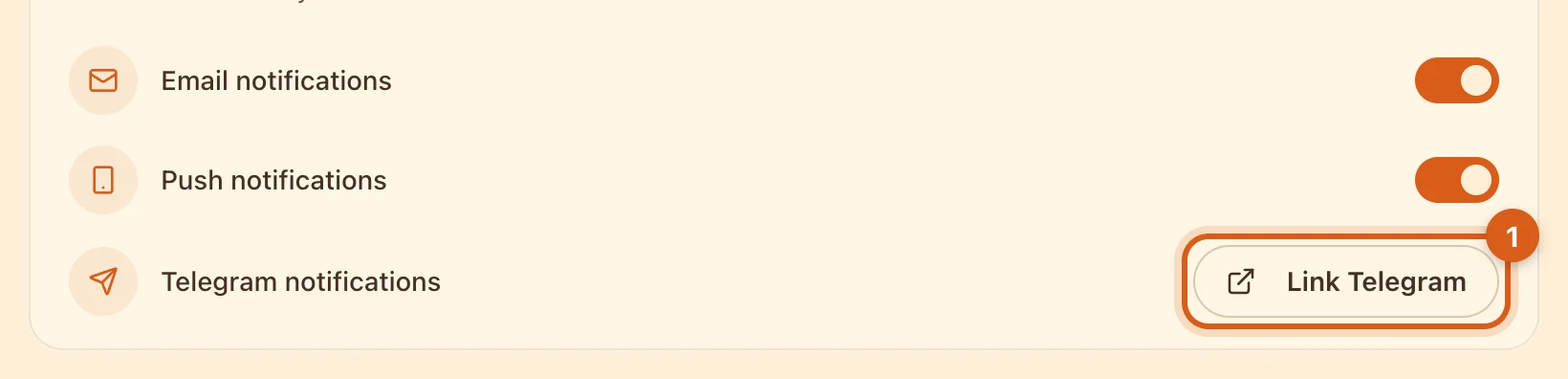
A buyer who doesn’t get a reply within a couple of hours goes to another seller. The website has no push notifications — link Telegram in notification settings, and messages will arrive there instantly. In the Ovdix app, messages come as push notifications.
4. Bump your listing

New listings push yours down. Once every 7 days, tap “Bump” — it’s free, and your listing goes back into the feed as new. Editing the price or text does not bump the listing.
5. Sold it? Mark the buyer
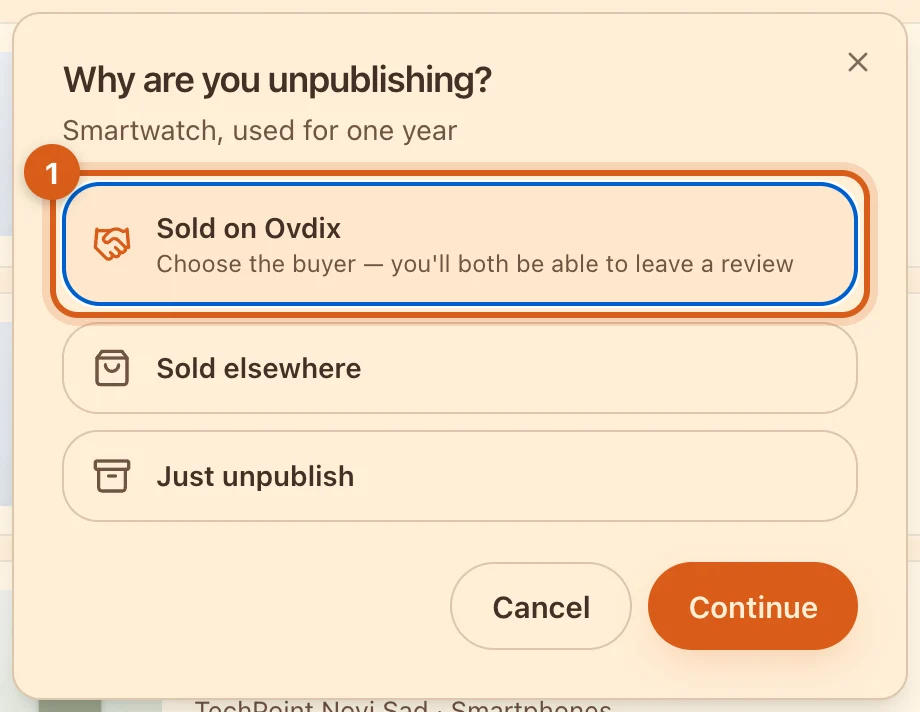
When unpublishing, choose “Sold on Ovdix” and mark the buyer from the chat. You can both leave a review — with reviews, people buy from you more willingly. All deals are in “Deals & reviews”.
Item not selling?
Lower the price by 5% or more — buyers will see a discount, and those who saved the listing will get a notification. More in the guide “Discounts”. Lots of listings? Change prices for all of them at once in the “Products” table.
Frequently asked questions
How much does it cost?
Posting, chat and search are free, and there is no commission on sales. Subscriptions in the app give you more listings and bumps.
What language should I write in?
Your own. Ovdix will translate the listing, and buyers can open the original.
Where is my unfinished listing?
In “My Ads”, on the “Drafts” tab.