Bumping a listing: free once every 7 days
Your listing goes back into the feed as if it had just been posted. Once a week, for free.
What a bump does
A bumped listing goes back into the home page and catalog feed as if it had just been posted (the “Most recent first” sort order) and comes first on your storefront. There is no “bumped” badge: over time, newer listings will overtake it again.
How to bump
In “My Ads”, tap “Bump” on the card — a window with three options opens.
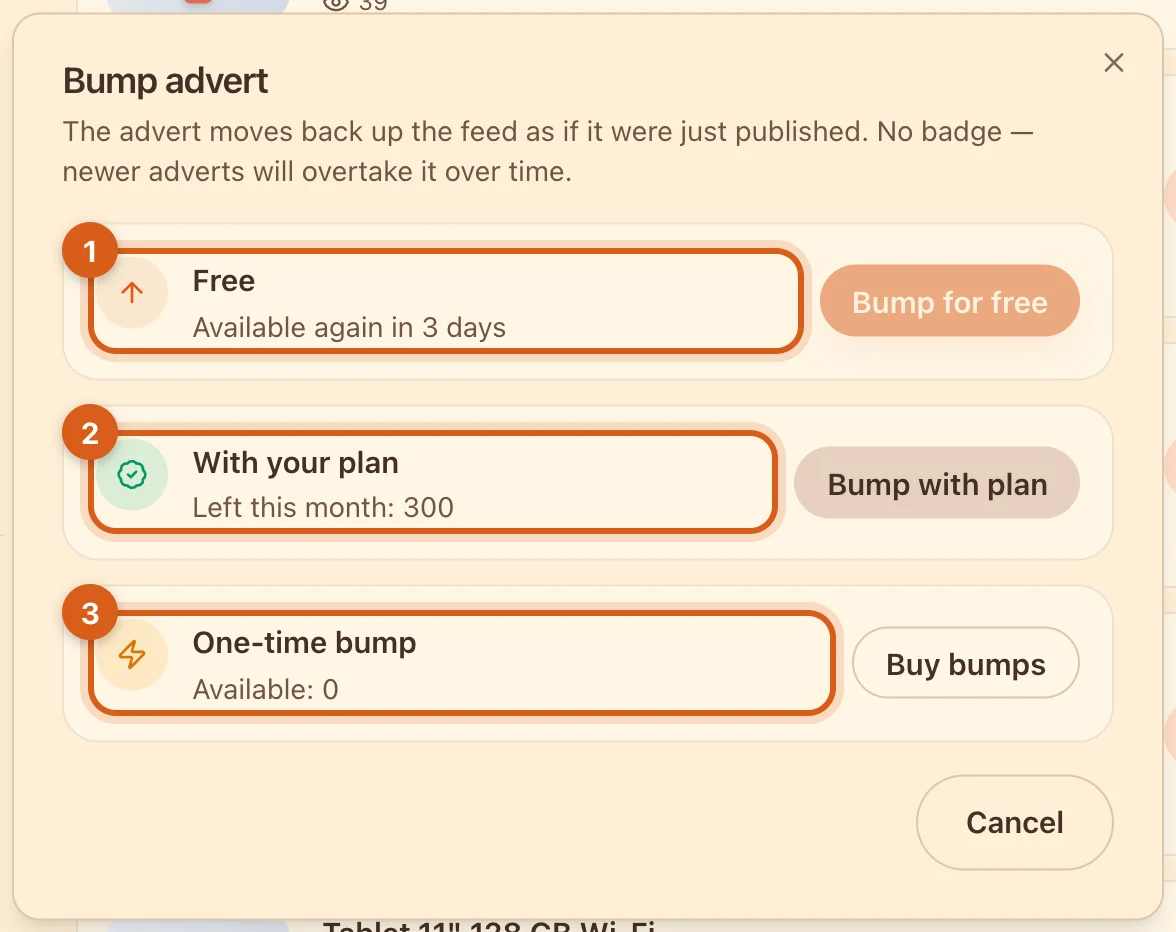
- 1“Free” — once every 7 days for each listing, on any plan. If it’s too early, the window says when you can bump again.
- 2“With your plan” — bumps included in your plan: 30 a month on Ovdix Basic, 100 on Plus, 300 on Pro. The balance renews on the 1st of each month.
- 3“One-time bump” — bump packs you’ve bought. You can buy them in the Ovdix app.
The same button is on your listing’s page.
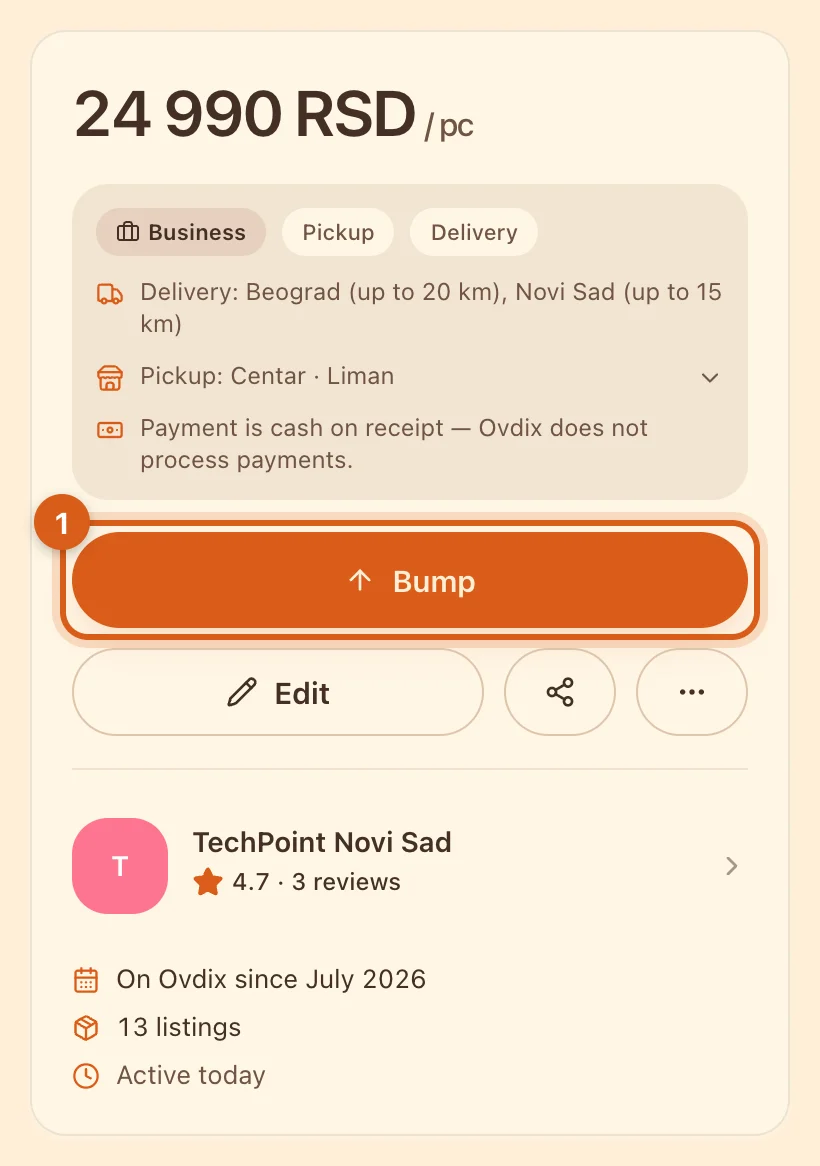
- 1Instead of “Order” and “Contact”, you see “Bump” and “Edit” — only you see the page like this.
The rules in brief
- Free — once every 7 days for each listing.
- Paid bumps — no more than once a day per listing and no more than 5 a day across all your listings.
- Any bump resets both timers: after a paid bump, the free one is available again in 7 days.
- Editing, including the price, and restoring from the archive do not bump a listing.
- A new listing — including one from a draft or a copy — goes to the top anyway.
When each listing was last bumped is shown in the “Bumped” column of the “Products” table.
Frequently asked questions
Why is the “Bump for free” button inactive?
The listing was bumped less than 7 days ago. The window says when you can bump it again.
Why isn’t my bumped listing at the top of “My Ads”?
That list is sorted by the date of the last change. A bump changes the listing’s place in the buyers’ feed, not in your list.
Can I bump a draft or a listing from the archive?
No, only a published one. A draft goes to the top anyway when you publish it, and a listing restored from the archive can be bumped once it’s back.